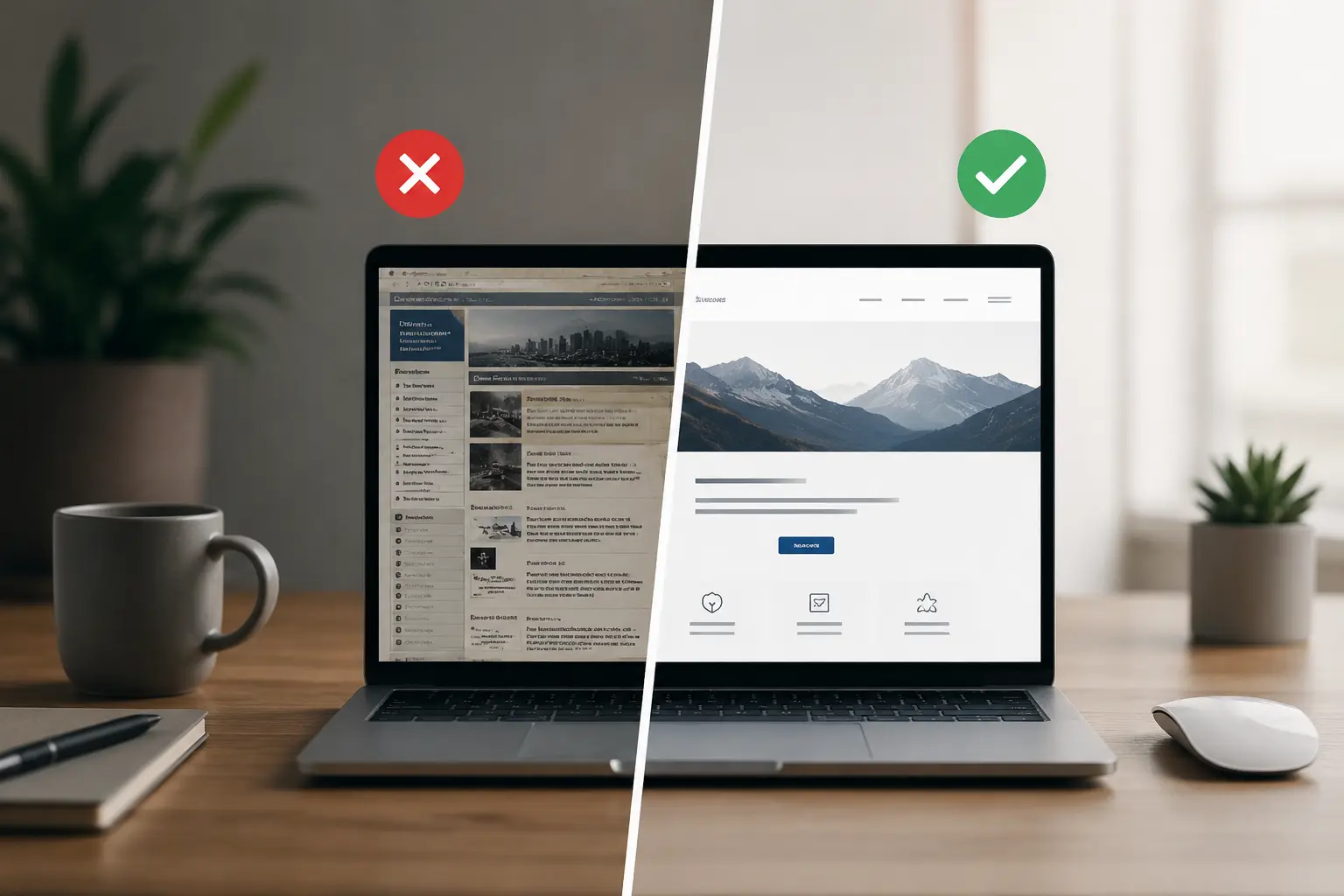
A website that felt current several years ago may now create friction. Browser capabilities, accessibility expectations, search requirements and customer behaviour change, while an untouched website gradually falls behind.
The decline is usually gradual rather than dramatic: pages become slower, mobile use feels awkward, enquiries fall and routine updates become difficult. Because the website still opens, the business may not recognize the cost immediately.
These five signs help separate a cosmetic preference from a genuine business or technical reason to improve the website.
1. The website is difficult to use on mobile
Google uses the mobile version of a website for indexing and ranking, and recommends responsive web design. More importantly, a visitor should be able to read, navigate and complete key actions comfortably on a phone.
How to recognize the problem
Open your site on your phone and pay attention:
- Do you have to zoom in to read the text?
- Are the buttons hard to click?
- Do the elements overlap or come out of the screen?
If the answer to any of these questions is “yes”, mobile visitors are encountering avoidable friction.
What does it cost
A visitor who cannot read the offer, tap a call-to-action or complete a form is less likely to become an enquiry. Check your analytics and form data rather than assuming desktop behaviour represents every customer.
2. Slow loading
Slow pages frustrate users and can weaken search performance. The practical question is not a universal three-second rule, but whether the page responds quickly and remains stable on the devices and connections your customers actually use.
Common causes of slow websites
- Large or poorly compressed images
- Too many plugins or scripts
- Outdated themes, plugins or technology
- Underpowered or poorly configured hosting
How to check
Test representative pages with PageSpeed Insights. Treat the report as diagnostic evidence: review Core Web Vitals, field data when available and the specific opportunities behind the score instead of relying on one number alone.
3. The design reduces trust or clarity
Design influences credibility before a visitor reads every detail. The problem is not that a website follows an older visual trend; it is that the interface makes the company appear inactive, unclear or difficult to deal with.
Visual signs of outdated design
- Small, densely compressed text
- Outdated fonts and color combinations
- Slideshow banners that automatically change
- Too many elements crammed into one page
- Lack of empty space (everything is “compressed”)
What it can cost
If the first impression feels unreliable or the next step is unclear, qualified visitors may leave before comparing the actual offer.
4. Low visibility in Google
If potential customers cannot find important service pages—or search results display weak titles and outdated information—the website is not supporting discovery effectively. Older sites often combine content gaps with technical SEO problems.
Technical and content issues to check
- Missing HTTPS or browser security warnings
- Slow loading speed
- Poor mobile usability
- Missing or inconsistent titles, headings, canonicals and internal links
- Thin, duplicated or outdated content
How to check
A Google search using site:yourdomain.com can provide a quick sample of known URLs, but it is not a complete index report. Use Google Search Console to inspect important pages, coverage patterns and crawl issues.
5. Routine updates are difficult or risky
If every small content change requires technical intervention—or administrators avoid logging in because the system is fragile—the website may be carrying costly technical debt.
Signs of maintenance problems
- You cannot update routine text or images safely
- The content-management system is outdated or difficult to use
- Plugins or themes are no longer updated (security risk)
- The website frequently “breaks” after ordinary changes
What it can cost
Needing specialist help for every routine change slows publishing and raises the long-term cost of operating the website.
Summary: warning signs and business impact
| Sign | Impact on business | Urgency |
|---|---|---|
| Not mobile-friendly | Mobile visitors struggle to use key pages | High |
| Slow loading | Abandonment, weaker engagement and reduced search performance | High |
| Trust or clarity problems | Weaker first impression and fewer confident enquiries | Medium |
| Low search visibility | Potential clients struggle to find relevant services | High |
| Difficult or risky maintenance | Higher support costs and slower publishing | Medium |
Frequently Asked Questions
How often should I refresh the website?
There is no fixed redesign cycle. Review the website when business goals, customer behaviour, brand positioning or technical requirements change. Small continuous improvements can postpone the need for a full redesign.
Do I have to create a completely new website?
Not always. A focused refresh may solve visual, performance or content problems when the underlying platform and information architecture remain sound. Rebuilding is more appropriate when the foundation prevents reliable improvement.
How much does it cost to refresh a website?
Cost depends on the diagnosis and scope, from targeted performance and content work to a complete redesign. Define the problem before requesting a price; otherwise quotes may describe entirely different projects.
How do I know whether the website is the problem?
Start with evidence: mobile testing, performance data, analytics, conversion paths, Search Console and a review of the technology stack. Together, these show whether the website is limiting results or whether the problem lies elsewhere.
Conclusion
An outdated website can be more damaging than having no website when it actively reduces trust or prevents customers from completing an important action.
Website performance usually declines quietly. The positive side is that many issues can be corrected without discarding the entire site, provided the technical foundation is still maintainable.
If several of these signs apply, audit the website before deciding between incremental improvements and a full redesign.
Want an evidence-based view of your website? Contact us for an initial assessment and a clear explanation of the highest-priority issues.


